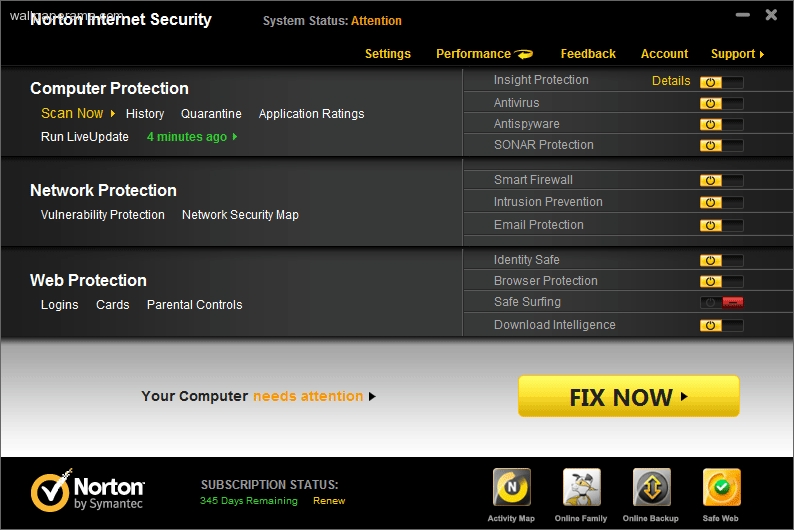
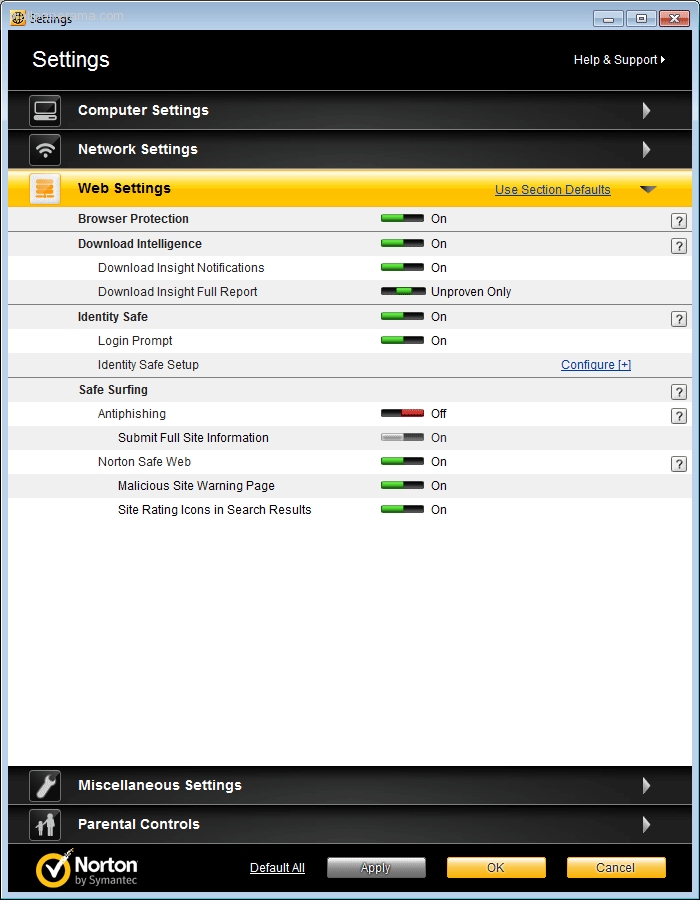
How To Disable Norton Suspicious Web Page Blocked
Posted On Wed May 25, 2011 By mack In General Errors Forums And Topics Discussions You Find On The Web Forums
i have a wallpaper domain name and i use it for checking my emails.
last night i was able to access and this morning i can't because i keep getting some error saying:
Suspicious Web Page Blocked
You attempted to access:
For your protection, this web page has been blocked and submitted for review. Visit Symantec to learn more about phishing and internet security.
It is recommended that you do NOT visit this page, however if you know that this web page is safe, you may choose to visit this web page anyway.
[Exit this site]
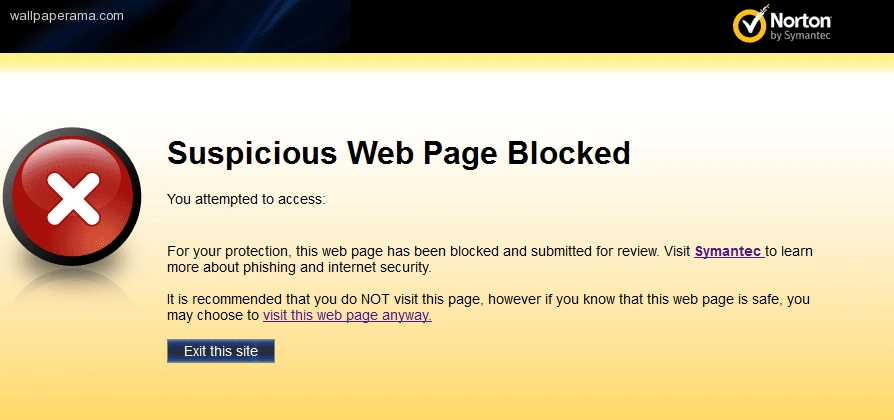
when i click on the visit this web page anyway. i am referred to another webpage at:
http://www.symantec.com/redirects/norton/norton_com/co/viewanyway
but that just keeps giving me another message
Page Not Found
The page you requested cannot be found. Search by entering one or more keywords in the search field above. Or, try one of the links below:
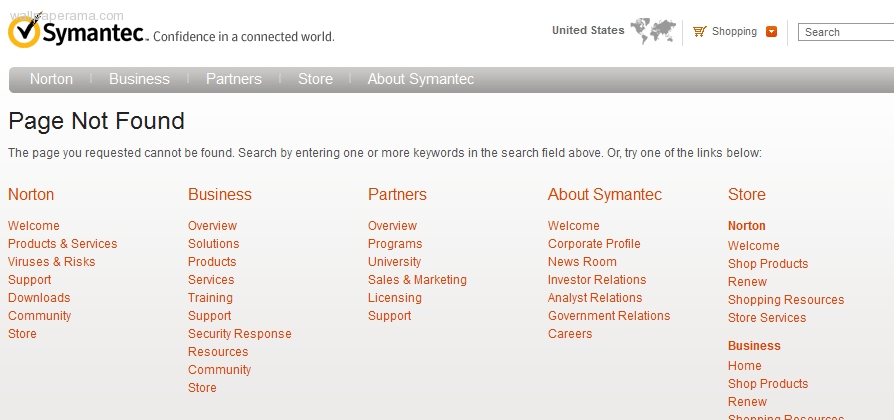
i am very frustrated with norton, i dont know why they are blocking my website
i tried it on Internet explorer and the link works, but with firefox 4 it does not.
i tried disabling the firewall, anti-phishing, anti virus but none work.
does anyone know how to disable this poor application sucks.
last night i was able to access and this morning i can't because i keep getting some error saying:
Suspicious Web Page Blocked
You attempted to access:
For your protection, this web page has been blocked and submitted for review. Visit Symantec to learn more about phishing and internet security.
It is recommended that you do NOT visit this page, however if you know that this web page is safe, you may choose to visit this web page anyway.
[Exit this site]

when i click on the visit this web page anyway. i am referred to another webpage at:
http://www.symantec.com/redirects/norton/norton_com/co/viewanyway
but that just keeps giving me another message
Page Not Found
The page you requested cannot be found. Search by entering one or more keywords in the search field above. Or, try one of the links below:

i am very frustrated with norton, i dont know why they are blocking my website
i tried it on Internet explorer and the link works, but with firefox 4 it does not.
i tried disabling the firewall, anti-phishing, anti virus but none work.
does anyone know how to disable this poor application sucks.
alice Wed Apr 17, 2013
I.ve had comcast.net email for2yrs worked fine,now i can getmy email but can't open them or facebook.it seems Norton has a block on them.
mack Wed May 25, 2011
to make things worst, i got a dumb email from norton. im sure its just some generic email.
i dont know what to do. i think ill change to macafee or some free antivirus
From: Security Response Analyst Security_Response_Analyst@symantec.com
To:
Sent: Wednesday, May 25, 2011 11:08 AM
Subject: Submission to Symantec Security Response Anti-fraud team
The Symantec Security Response team has reviewed your recent submission to the FalsePositive Phish Webpage form. Our analysts have been unable to reproduce the suspicious verdict on the provided URL. This result could be because the web address reported is not the exact address where you encountered the suspected phish site, or the issue has been reported previously and since fixed. Please make certain you have the latest AntiFraud updates by running LiveUpdate. When LiveUpdate completes, please close your browser and then navigate to the reported website in a new browser session to ensure that you are now able to access it without difficulty.
We have concluded our research of your submission and will take no further action. However, if you are still experiencing this issue, please contact our Technical Support team by going to http://www.symantec.com/norton/support/selectproduct_ts.jsp and selecting your product and version. From there, you can explore top issues, search the solutions library, or contact technical support directly.
You may also be able to find further information regarding your issue by discussing it with our Norton community if the problem persists: http://community.norton.com.
We also recommend that you check the Norton Update Center http://updatecenter.norton.com to see if there are any updates available for your Norton product. The best way to stay safe on the web is to use the latest version which is available free of charge with your current paid subscription.
Regards,
Symantec Security Response
To:
Sent: Wednesday, May 25, 2011 11:08 AM
Subject: Submission to Symantec Security Response Anti-fraud team
The Symantec Security Response team has reviewed your recent submission to the FalsePositive Phish Webpage form. Our analysts have been unable to reproduce the suspicious verdict on the provided URL. This result could be because the web address reported is not the exact address where you encountered the suspected phish site, or the issue has been reported previously and since fixed. Please make certain you have the latest AntiFraud updates by running LiveUpdate. When LiveUpdate completes, please close your browser and then navigate to the reported website in a new browser session to ensure that you are now able to access it without difficulty.
We have concluded our research of your submission and will take no further action. However, if you are still experiencing this issue, please contact our Technical Support team by going to http://www.symantec.com/norton/support/selectproduct_ts.jsp and selecting your product and version. From there, you can explore top issues, search the solutions library, or contact technical support directly.
You may also be able to find further information regarding your issue by discussing it with our Norton community if the problem persists: http://community.norton.com.
We also recommend that you check the Norton Update Center http://updatecenter.norton.com to see if there are any updates available for your Norton product. The best way to stay safe on the web is to use the latest version which is available free of charge with your current paid subscription.
Regards,
Symantec Security Response
i dont know what to do. i think ill change to macafee or some free antivirus
lorraine Sat Jan 05, 2013
i have a popup that wont go away
Related Content
Information
Forums »
General Errors Forums And Topics Discussions You Find On The Web »
How To Disable Norton Suspicious Web Page Blocked
General Errors Forums And Topics Discussions You Find On The Web »
How To Disable Norton Suspicious Web Page Blocked
Title: How To Disable Norton Suspicious Web Page Blocked
Description: i need to disable this message that says Suspicious Web Page Blocked on my browser
Tags: norton , firewall , anti-phishing , anti virus , message , Suspicious , Web , Page , Blocked
Info: This Post Has Been Viewed 0 Times Since
Date: Wed May 25, 2011
Author mack Received 6 Replies #2661
Date: Wed May 25, 2011
Author mack Received 6 Replies #2661
Share
URL: 

Embed: 

To embed this topic, just copy the code from the "Embed" box. Once you've copied the code, just paste it into your website or blog to embed it
BBCODE:: 

BBCODE is use on forums. You can put this code on all your BBCODE enabled forums like PhpBB, vBulletin® and others. Just Copy and Paste this code on your Posts and Replies on your forums
wallpaperama | Wallpapers | Forums | Terms Of Service
copyright © 2013 wallpaperama - All Rights Reserved - Last Updated Mon May 06, 2013 (-8 GMT)
Powered by: Webune Forums V5
copyright © 2013 wallpaperama - All Rights Reserved - Last Updated Mon May 06, 2013 (-8 GMT)
Powered by: Webune Forums V5